WoW
Project overview
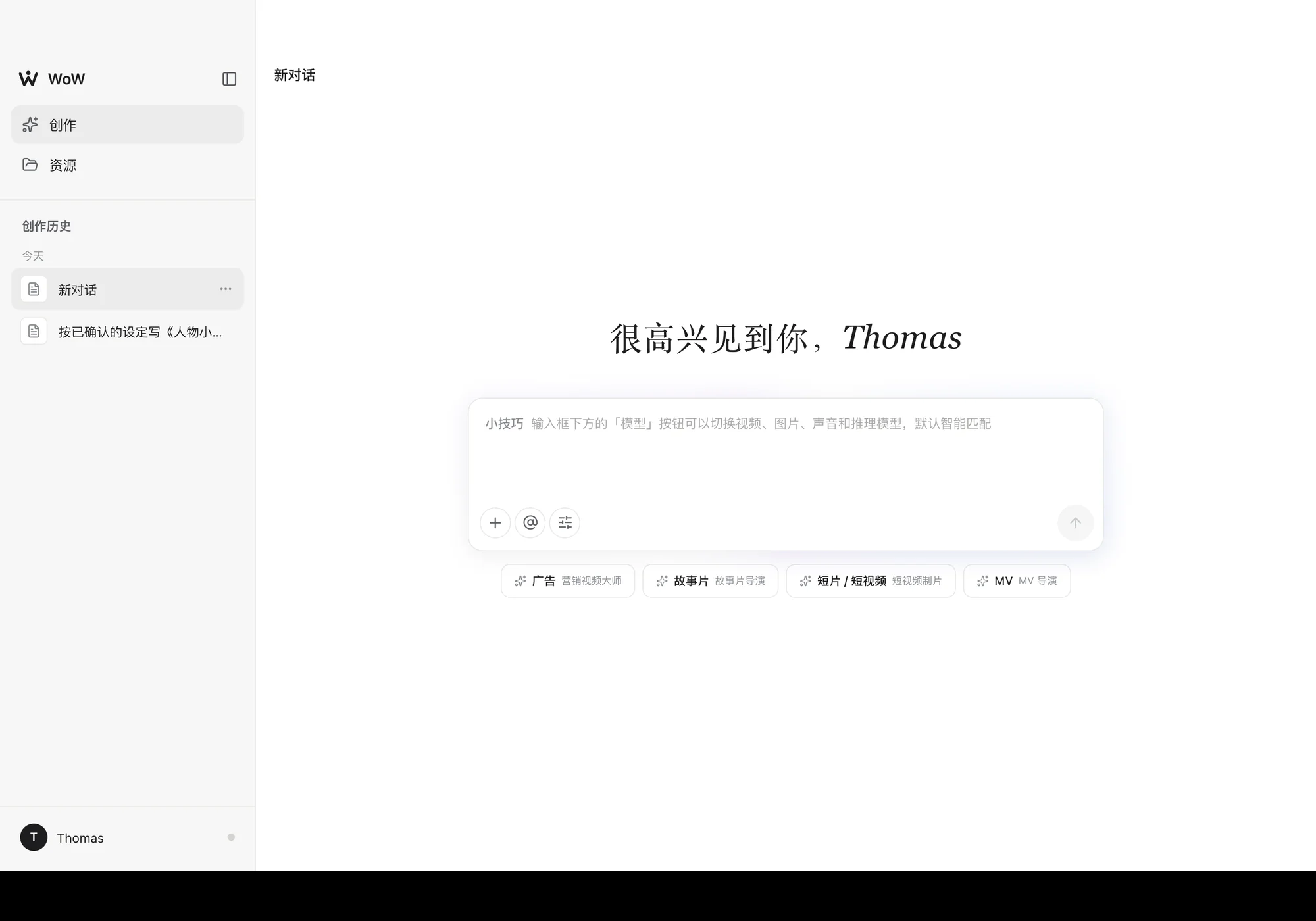
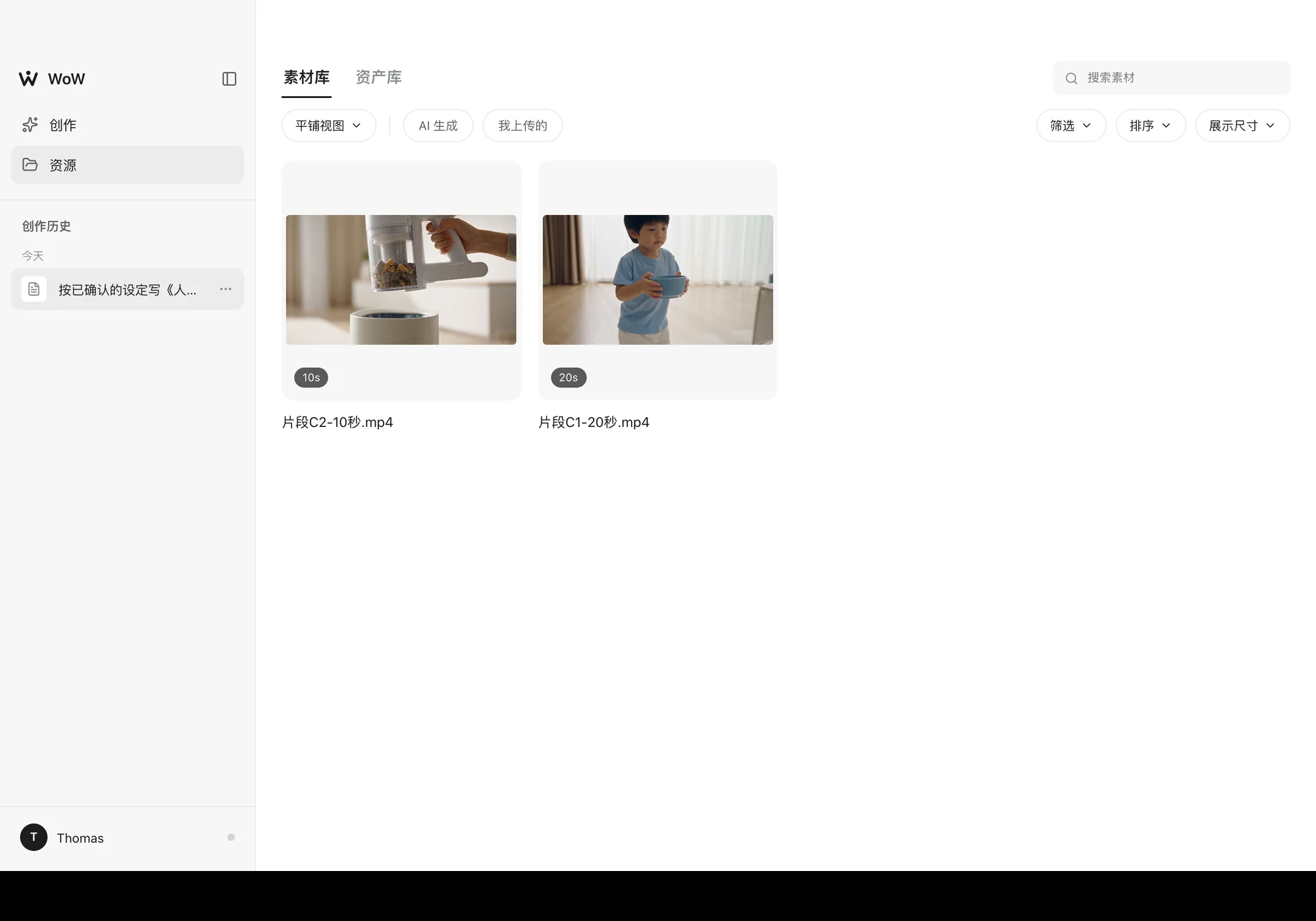
An AI filmmaking studio that runs in the browser: you talk to an agent on the left, and your files sit in a workspace on the right. Scripts, storyboards, video-generation prompts and character bios are Markdown documents you can edit directly, reference images and clips live in a media library, and the final cut is assembled in the browser and sent to DaVinci Resolve in one click.
The problem it solves
With AI video, the hard part is not generating a single image or clip. It is keeping dozens of generations in the same world: the same character still has the same face in clip 3 and clip 7, the light in a location still comes from the same direction, two separately generated clips actually cut together, and the selling points an ad promises really land in a shot.
Reminding the model does not hold any of this, so WoW turns it into hard rules in the workflow. Every project keeps a ledger of the stage it has reached, what has been confirmed and which entities and clips exist; a character's look is written once as a frozen description that every later prompt copies word for word; the handoff between two clips is written as one identical sentence about the frame, which a validator compares word for word and blocks when they differ; and an ad's selling points go into a book where each must name the clip it lands in. Saying it only in a subtitle doesn't count.
Eight stages, one straight line
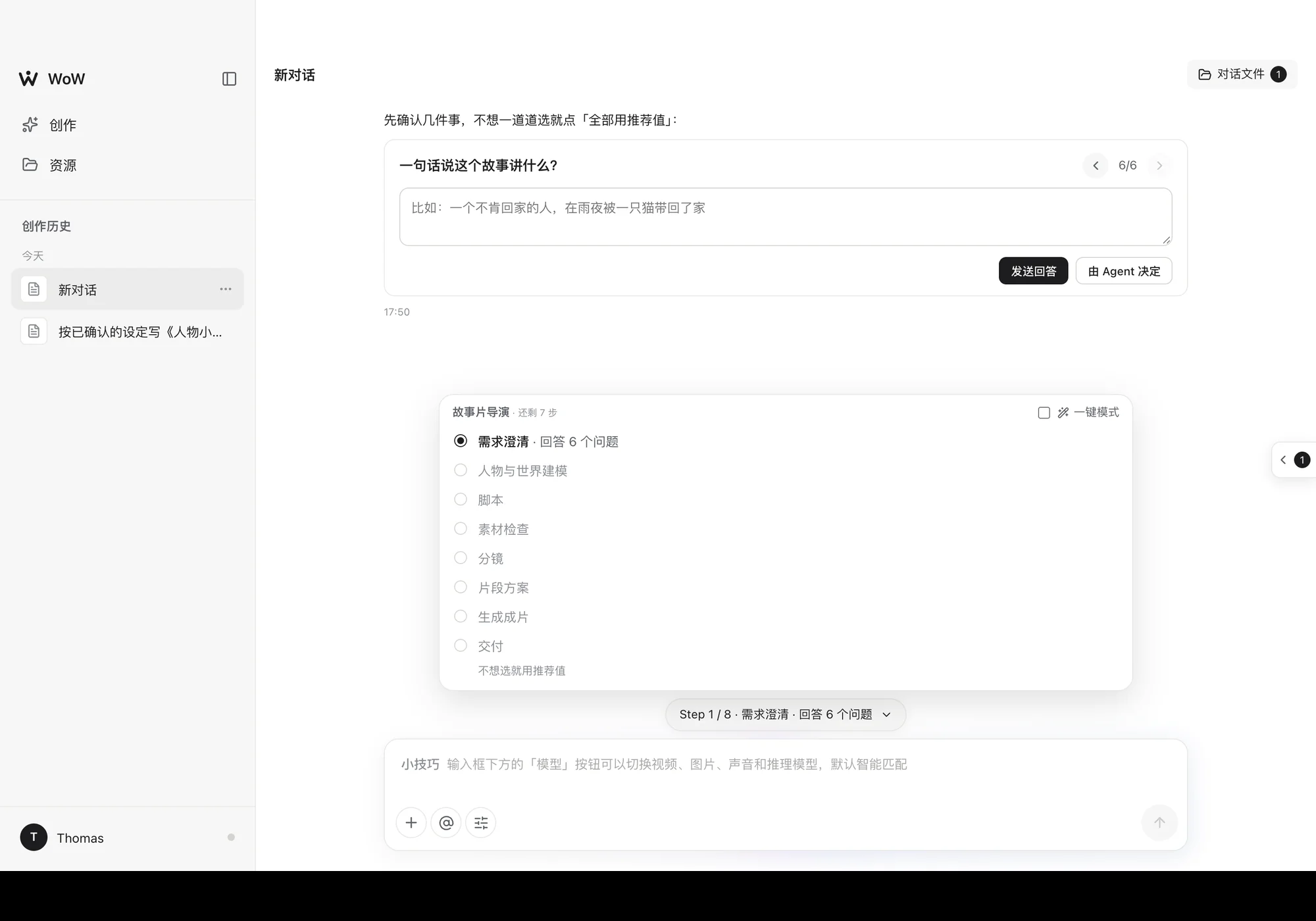
Pick a type (ad / narrative / short / MV) and the route is fixed: brief → modelling → script → asset check → storyboard → clip plan → generation → delivery. The program decides what each step does; the model only fills in the content. In one-click mode it moves on by itself and stops only at four checkpoints (script, reference images, clip plan, final cut) for your go-ahead.
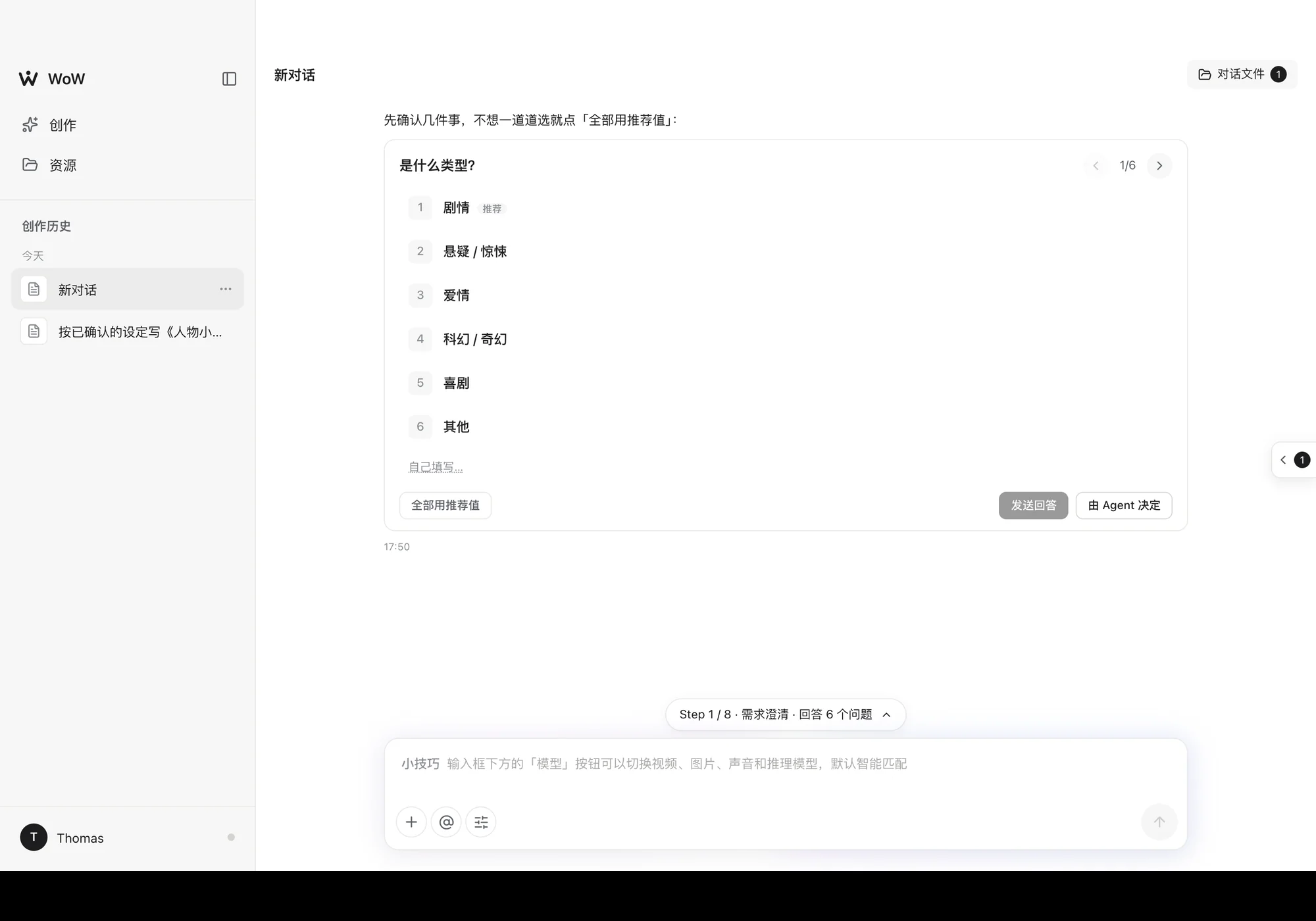
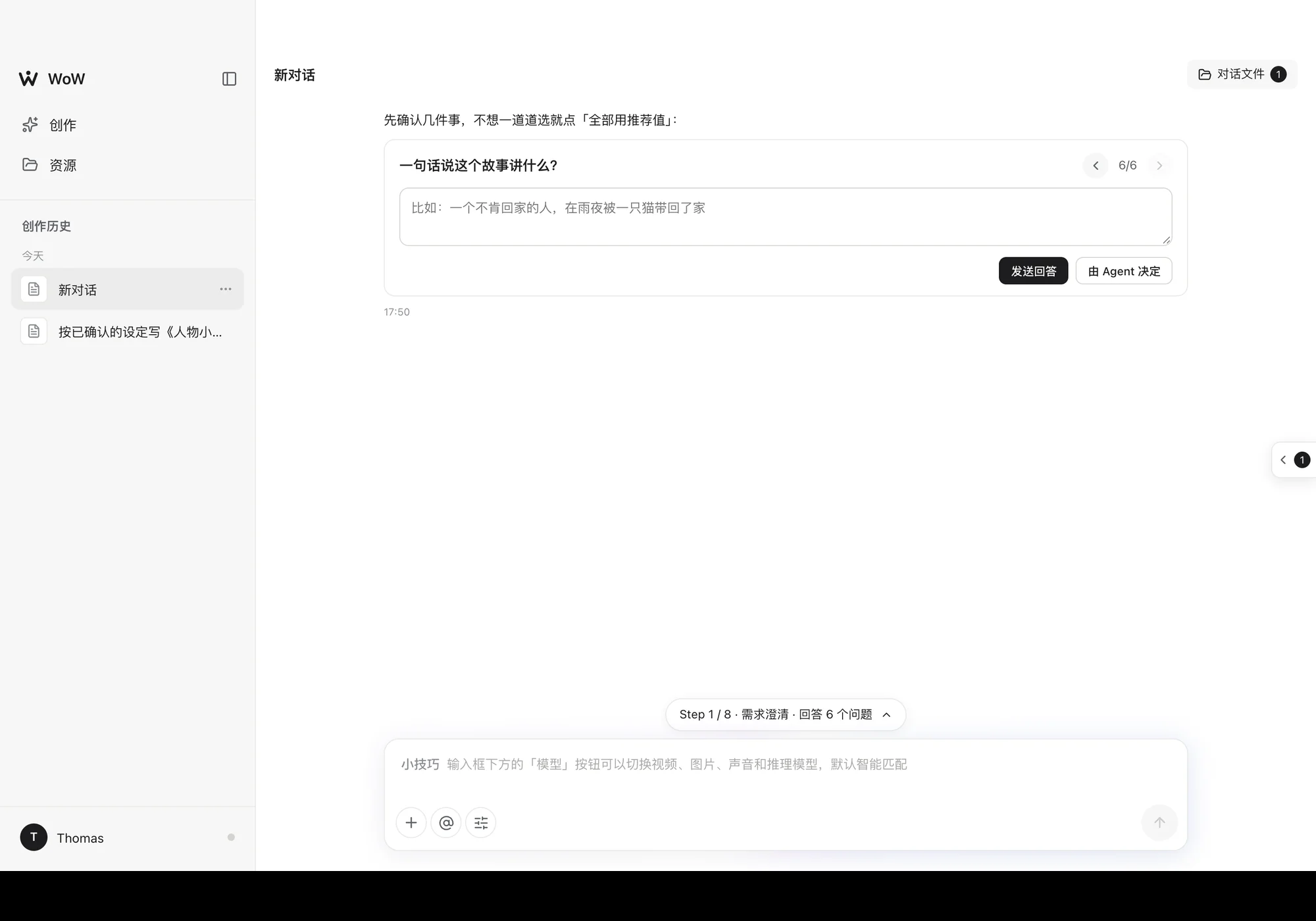
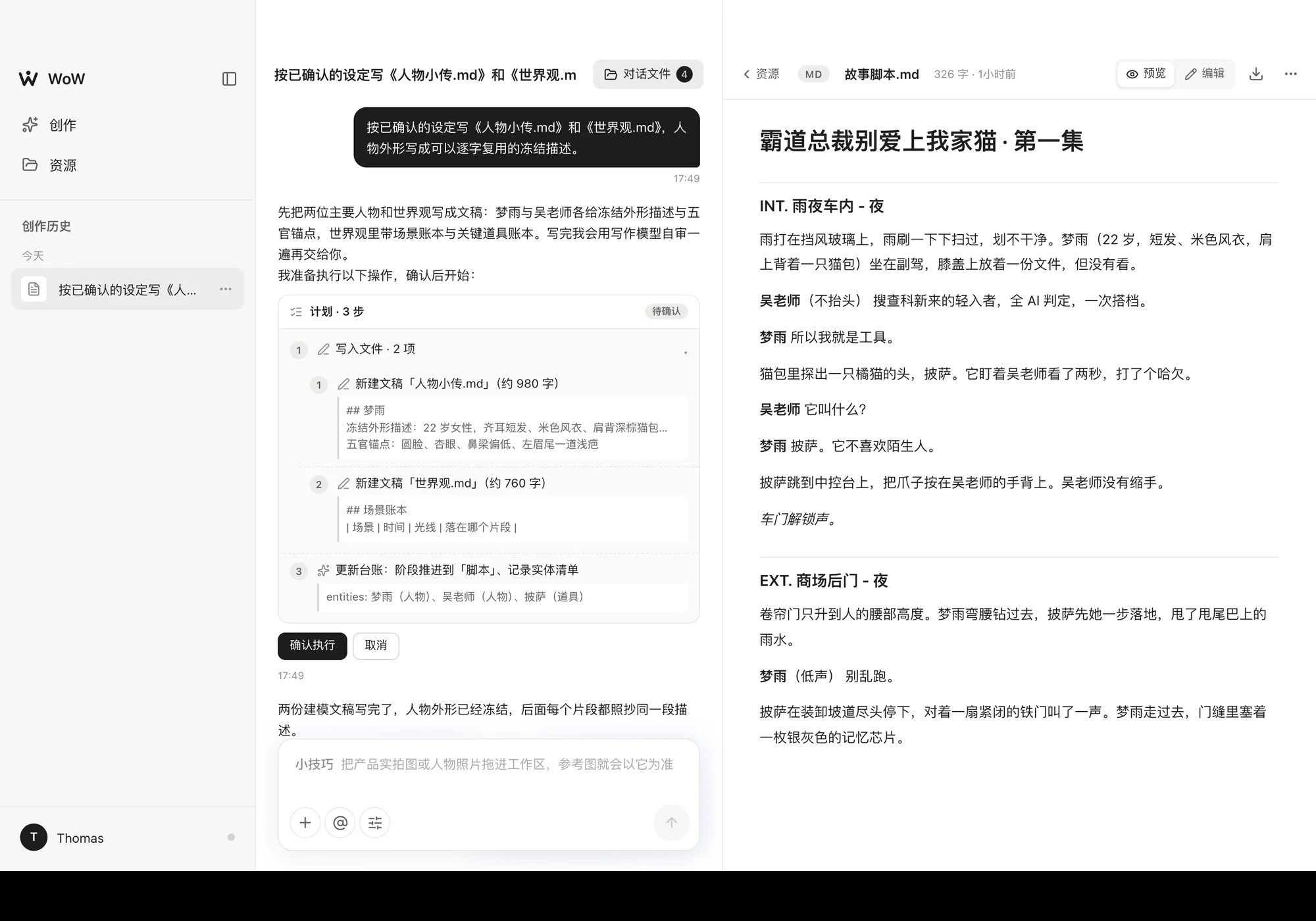
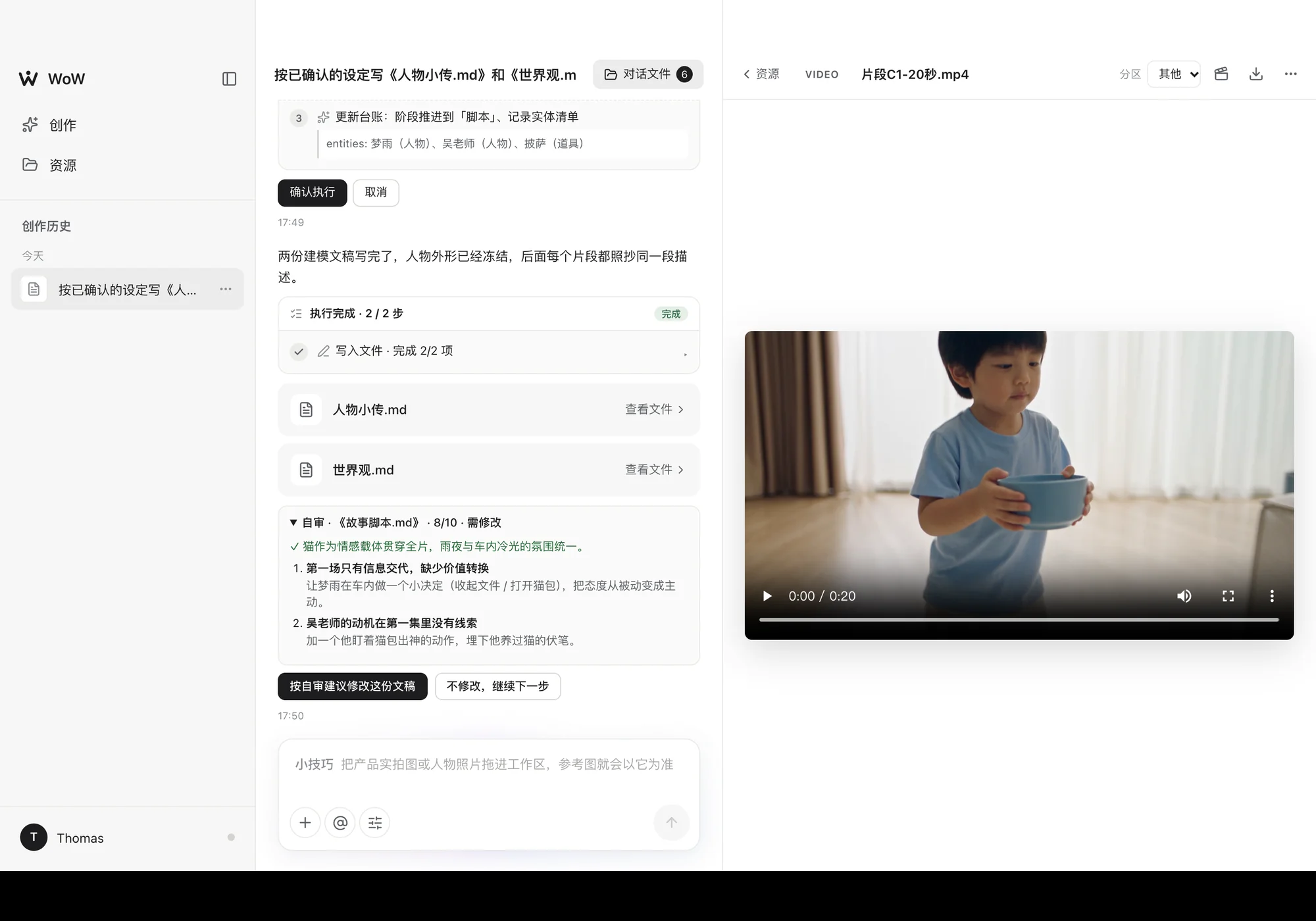
It asks before it acts: the brief and modelling stages are questionnaires from a local question bank, one question at a time, or "use all recommended answers", and nothing you have answered is asked again in other words. And it plans before it acts: the agent lists which documents it will write and which images it will generate, and does it only when you click "Confirm". Deletions are flagged on their own, and deleted items stay in the trash for 7 days.
Documents, self-review, references
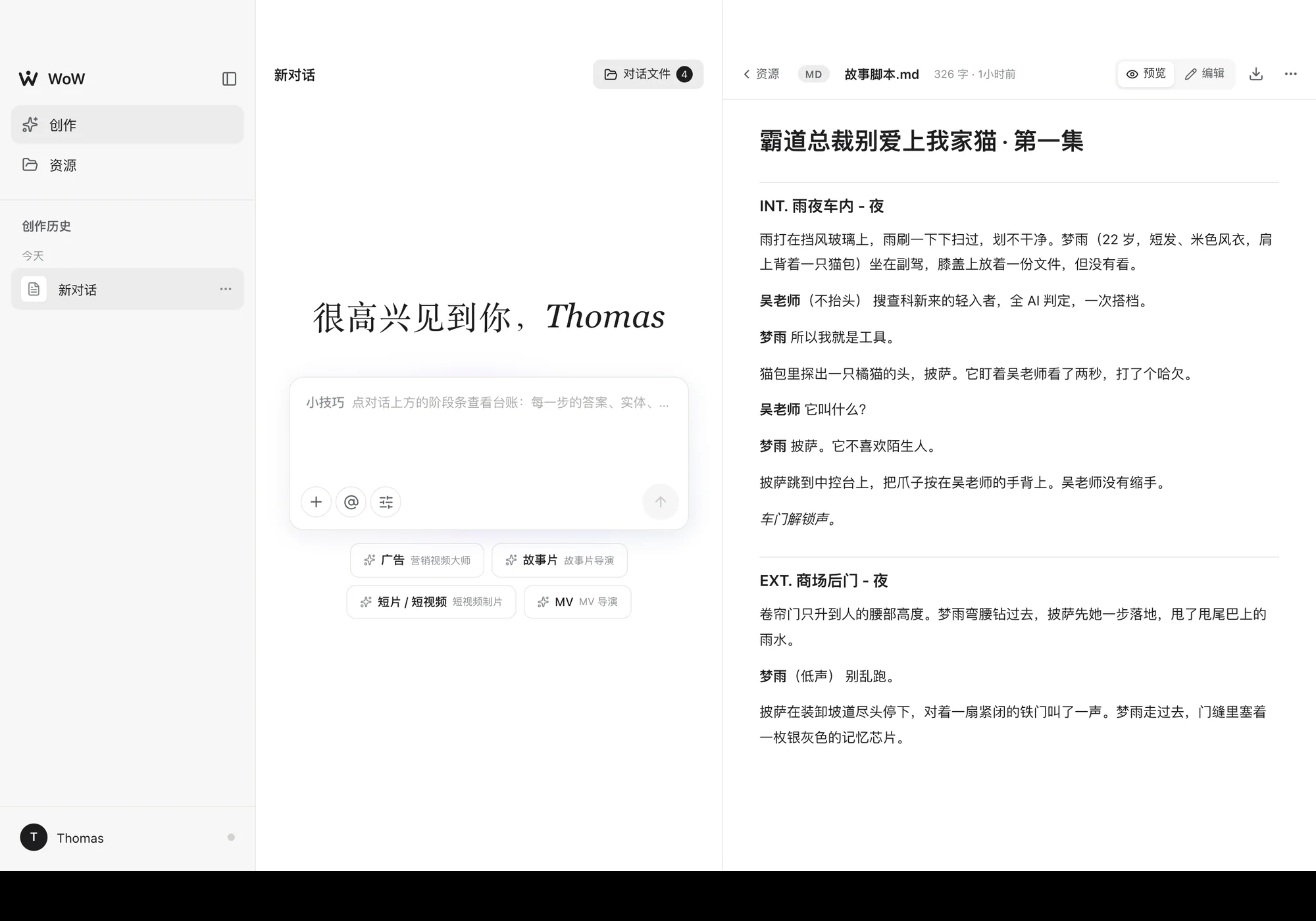
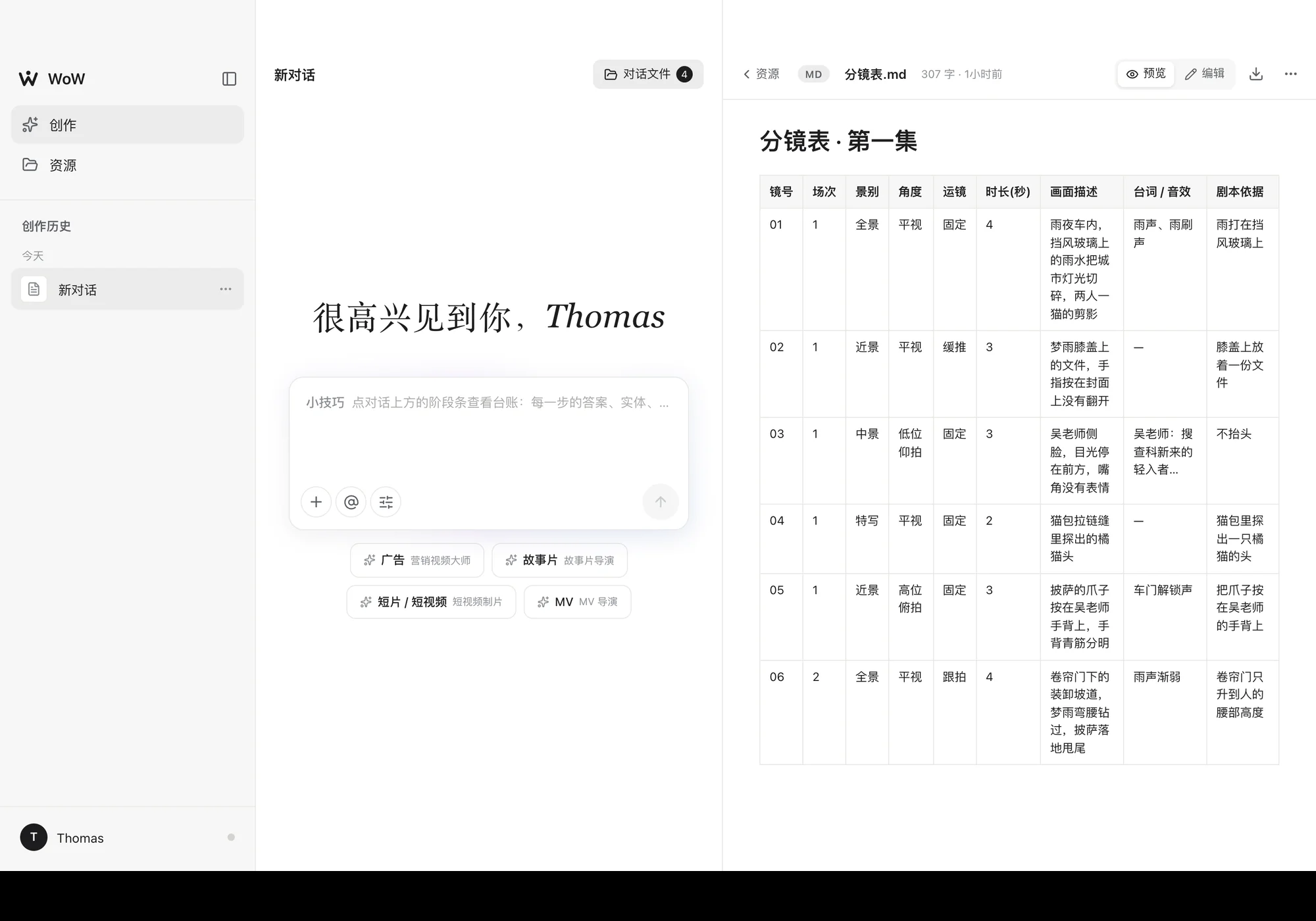
Everything it produces is a document: scripts are written scene by scene with each line of dialogue on its own line, the storyboard is a fixed ten-column table, and each clip prompt is a file of its own. While writing, the workspace on the right shows the changes line by line; you can edit the result directly, and your edit is the input to the next step.
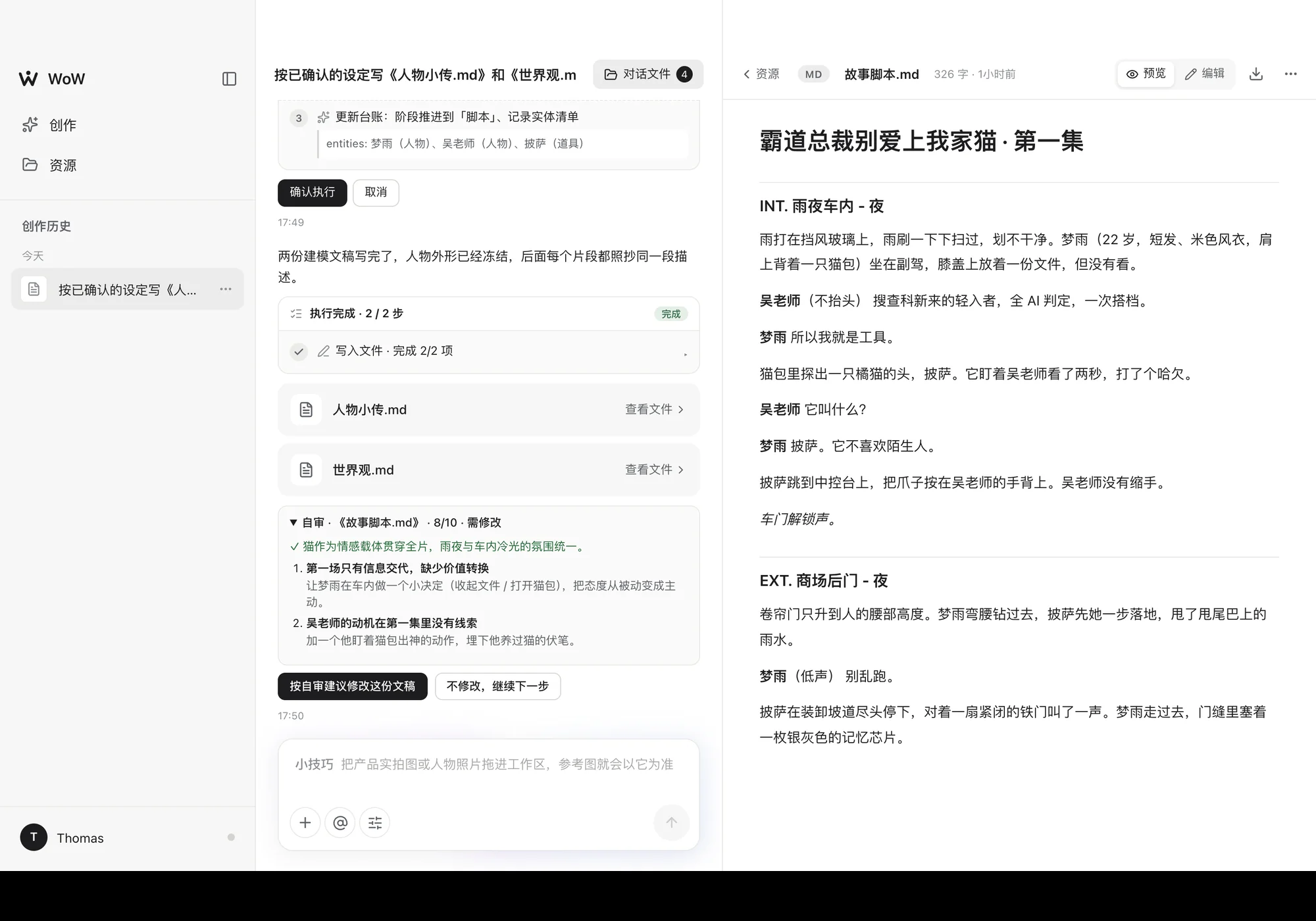
Once a script-type document is written, the writing model reviews it against a checklist and lists problems with concrete fixes. Whether to apply them is your click; it never revises on its own.
Reference images follow templates rather than the model's good sense: characters get a seven-view model sheet, locations an empty establishing shot, props a single-object studio shot. Afterwards a vision model checks each image, item by item, against the gate for its type.
The final cut, in the browser
Clips are joined in order, subtitles burned in, music and narration mixed offline, and the result exported as MP4. With the local helper installed, the timeline goes into DaVinci Resolve in one click, with video, audio and SRT subtitle tracks laid out; without it you get a folder with the clips, FCPXML and EDL.
Rendering uses WebCodecs + mp4-muxer, falling back to MediaRecorder. The last part of the promo is a real clip generated with it (BytePlus Seedance 2.5).
No backend
The front end is Vite + React 19 + TypeScript, with zustand for state. Documents and conversations are kept in localStorage and image and video blobs in IndexedDB, separated per project, so your material never passes through my server. The only server-side piece is a Cloudflare Worker gateway that does one thing: call the models with the real API keys. The page itself only holds an access passphrase.
The trade-off, stated plainly: switch browsers or clear site data and it is gone, and multi-device sync isn't built yet.
Models by job
On the text side there are four chains by purpose, each at its own temperature: planning (low, steady), writing (high, with ideas), compiling (structured work like storyboards and clip prompts: a strong model at low temperature) and looking at images. Each chain is a list of candidates that moves to the next provider only when a model is unavailable; a failed generation never quietly switches models. Text runs on DeepSeek and Kimi, with Kimi K3 for images.
Images and video go through fal and Volcengine Ark / BytePlus: images from Seedream 5.0, video from Seedance 2.5, with Kling as the fallback; voices are designed with MiniMax on fal and then used for the narration. The user only picks which model to use; how long each clip runs, and whether to favour long takes or shot-to-shot continuity, is worked out by the program from that model's capabilities.
Design choices
The director is a pure function: the next step isn't asked of the model but computed by nextStep() from the ledger, the brief and whether a document exists in the workspace, so the flow neither skips steps nor circles on one.
A broken JSON reply doesn't waste the round: when strict parsing fails it is repaired locally first, then every complete operation is scanned out by matching brackets, and only then is the model asked again.
Style is a rewrite, not a suggestion: for photoreal people the start of the prompt is rewritten, and words like "character sheet" or "3D render" that pull characters toward cartoons are replaced with "photograph".
Jianying (CapCut) won't accept drafts written from outside, so the cut goes to DaVinci Resolve instead: media references in the FCPXML are absolute file:// URLs, and the audio tracks are laid with the scripting API. The local helper uses only Python's standard library.
Trying it
The page shows the interface as soon as it opens, but for the agent to actually work you need to enter a model gateway passphrase in Settings (your own API key or a self-hosted gateway both work). All data stays in the browser on the machine you are using.